
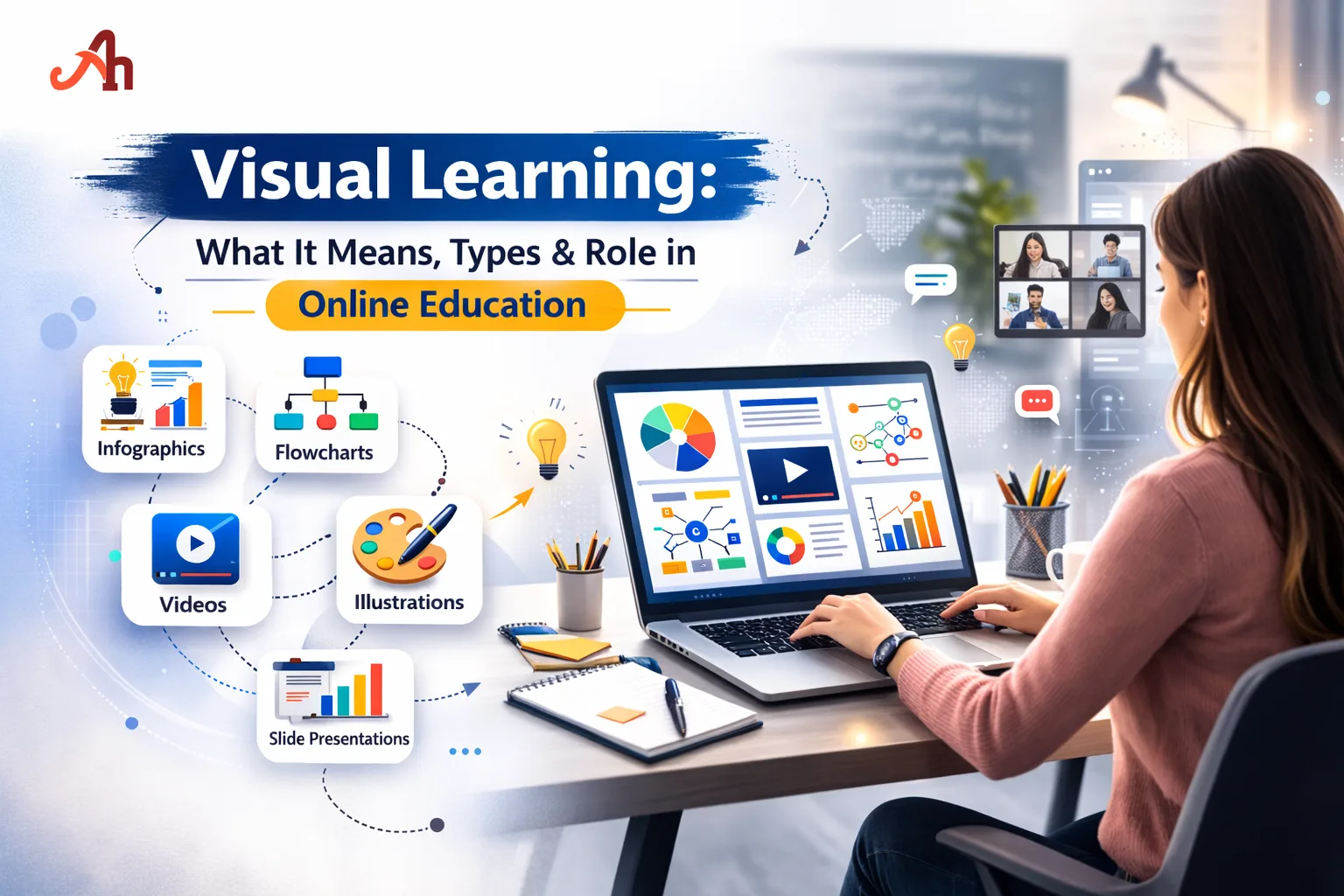
Have you ever understood a concept better through a diagram than a paragraph of text? That's visual learning in action. Whether you're working on assignment help, preparing for exams, or navigating complex topics in computer science, knowing your learning style can make a massive difference. Visual learning is one of the most powerful and widely adopted approaches in modern education — and understanding it can transform how students study, retain information, and perform academically.
What is Visual Learning?
Visual learning is a learning style in which individuals understand and retain information more effectively when it is presented in a visual format — such as diagrams, charts, graphs, infographics, videos, and color-coded notes. It is rooted in the principle that the brain processes visual data up to 60,000 times faster than text.
The concept of the visual learning style was popularized through Neil Fleming's VARK model (Visual, Auditory, Reading/Writing, Kinesthetic), which categorized how learners prefer to absorb information. Visual learners make up a significant portion of the student population and thrive when learning environments are designed with imagery and spatial understanding in mind.
Whether you're tackling a case study, working through coursework help, or diving into programming concepts, leveraging visual strategies can dramatically improve comprehension and retention.
Types of Visual Learning
Understanding the types of visual learning helps educators and students tailor their study methods. Visual learning is not one-size-fits-all — it branches into several distinct formats and modes.
1. Spatial Visual Learning
Spatial learners prefer maps, graphs, charts, and diagrams. They understand relationships between objects and ideas through physical space and positioning. This type is especially useful in subjects like geometry, architecture, and geography.
Use of mind maps to connect ideas
Flowcharts for process understanding
Venn diagrams for comparison tasks
Timelines to track historical sequences
2. Linguistic Visual Learning
Linguistic visual learners prefer written words presented visually — think color-coded notes, highlighted text, and annotated diagrams. This bridges the gap between reading/writing and visual styles. Students needing essay writing or thesis help often excel with this format.
Color-coded highlighting during reading
Annotated bibliography charts
Visual note-taking using structured layouts
Post-it note systems for organizing arguments
3. Graphic/Pictorial Visual Learning
This type relies heavily on illustrations, infographics, and imagery. It is common in science, biology, and design-related subjects where real-world visuals enhance understanding.
Anatomical diagrams in biology
Step-by-step infographics for processes
Concept maps for abstract theories
Video-based learning and animation
4. Digital Visual Learning
In the age of online education, digital visual learning has taken center stage. It encompasses interactive simulations, e-learning modules, video tutorials, and virtual labs. This is particularly relevant for students pursuing homework help online or learning computer science through digital platforms.
YouTube explainer videos
Interactive coding platforms like Replit or CodePen (relevant to programming)
Virtual whiteboards and collaborative tools
Slide-based presentations (PowerPoint, Canva)
Bonus Type: Kinesthetic-Visual Hybrid
Some students are hybrid learners who combine visual stimuli with hands-on activities. Building physical models, drawing concept maps while taking notes, or using tactile diagrams supports this combined style.
Visual Learners Characteristics: How to Know if You're One
Identifying visual learners characteristics is essential for both students and educators. Here are the most prominent traits that define visual learners:
Think in pictures: Visual learners often create mental images when processing new information.
Strong memory for faces, not names: They remember how people look more than what they were called.
Prefer diagrams over descriptions: A flowchart explains a dissertation help structure better than a paragraph.
Easily distracted by visual clutter: Messy environments or cluttered slides reduce their concentration.
Skilled at reading maps and charts: Spatial navigation and data visualization come naturally.
Like to write things down: Even if they don't re-read their notes, writing helps them encode information visually.
Prefer color-coding: Organizing study materials with different colors enhances memory.
Often doodle: Drawing while listening or thinking is a natural processing tool.
Attracted to visual media: Infographics, documentaries, and visual storytelling resonate more than podcasts or lectures.
Excel in subjects with visual components: Art, design, mathematics (graphs), and biology tend to be strengths.
Visual Learner vs. Other Learning Styles
While visual learners thrive with imagery, auditory learners prefer listening to lectures, and kinesthetic learners learn by doing. Most students are a blend, but recognizing your dominant style helps you study smarter — especially when managing tasks like coursework help or case study submissions.
The Role of Visual Learning in Online Education
The rise of e-learning has made visual learning more relevant than ever before. Online platforms are inherently visual environments — and students who leverage this effectively gain a significant academic advantage.
Why Online Education Favors Visual Learners
Platforms like Coursera, Udemy, and Khan Academy rely heavily on video lectures and visual demonstrations
LMS (Learning Management Systems) use graphical dashboards, progress bars, and visual feedback
Online tools like Canva, Miro, and Lucidchart enable visual note-taking and project planning
Digital textbooks integrate hyperlinks, embedded videos, and interactive infographics
Gamified learning environments use visual rewards and progress tracking to motivate students
Visual Learning Strategies for Online Students
If you're studying online — whether pursuing a degree, getting homework help, or completing a dissertation help chapter — these strategies can supercharge your learning:
Use mind mapping tools: Apps like MindMeister or XMind help organize complex ideas visually.
Watch before reading: Watch a video explanation before diving into written content.
Create summary infographics: After studying a topic, convert your notes into a visual summary.
Color-code your digital notes: Use different colors in Google Docs or Notion for different themes.
Leverage YouTube: For subjects like programming or computer science, video walkthroughs often explain more in 10 minutes than a textbook chapter.
Use flashcard apps with images: Anki and Quizlet allow image-based flashcard creation for faster recall.
Visual Learning in Academic Tasks: Practical Applications
Visual Learning and Essay Writing
Before writing, visual learners benefit from creating a visual outline — a concept map or flowchart that shows how arguments connect. This makes essay writing feel less overwhelming and more structured. Mind maps also help brainstorm and identify gaps before drafting begins.
Visual Learning in Research and Dissertations
For major academic projects like a thesis help or full dissertation, visual learners can use tools like Zotero's visual library view, chapter flowcharts, and argument maps. Creating a visual abstract — a one-page visual summary of your research — is also an excellent tool for clarity and review. If you need additional guidance, dissertation help services often use structured templates that visual learners find easier to follow.
Visual Learning in STEM Subjects
In computer science and programming, visual learning manifests through UML diagrams, flowcharts, algorithm visualizers, and code scaffolding diagrams. For students struggling with abstract code logic, visualizing the flow of a program dramatically improves understanding. Tools like Python Tutor or VisuAlgo bring algorithms to life.
Common Visual Tools for STEM Students
Algorithm visualization tools (e.g., VisuAlgo)
UML diagram software (e.g., draw.io, Lucidchart)
Data visualization libraries (e.g., Matplotlib, D3.js)
Concept mapping for system architecture
Benefits and Limitations of Visual Learning
Benefits of Visual Learning
Faster information processing due to brain's natural preference for imagery
Improved long-term memory retention through visual association
Easier to understand complex relationships and hierarchies
Enhances creativity and problem-solving abilities
Supports diverse learning needs, including students with dyslexia or ADHD
Highly compatible with digital and online learning environments
Makes abstract concepts (like data structures in programming) more concrete
Limitations of Visual Learning
Can be less effective in purely text-heavy environments like traditional exams
Over-reliance on visuals may hinder development of reading and listening skills
Not all subjects easily translate into visual formats
Requires access to tools and technology for optimal implementation
Visual overload — too many visuals — can decrease focus
How Educators Can Support Visual Learners in Online Settings
Modern educators and tutors — including those offering coursework help or online tutoring — should incorporate visual strategies into their teaching. Here's how:
Use slide decks with clear visuals, minimal text, and strong color contrast
Supplement lectures with video content and animated explanations
Provide visual rubrics and assessment guides (e.g., infographic-style grading criteria)
Encourage students to submit visual summaries or concept maps as part of assignments
Use interactive polling and visual feedback tools during online sessions
Structure complex projects like case study assignments with visual templates
Conclusion
Understanding your visual learning style is a strategic advantage every student should leverage. Recognizing visual learners characteristics in yourself helps you choose smarter tools — from mind maps for essay writing to diagrams for computer science and programming. Whether you need homework help or are working through a full dissertation help project, embracing visual learning in online education can make complex topics clearer and studying far more effective.